

MCP server for your agent

Give your coding agent your tasteIt searches the screenshots you already take

Download Taesty

  • Mac

    Apple silicon, M1 or later

    Download
  • iPhone

    Scan with your camera. iPhone 15 Pro or newer.

    App Store

Requires Apple Intelligence.

Connect your agent

Your saved references, one prompt away.

  1. Open Taesty on your Mac

    In Settings → General, enable Agent Access and keep Taesty running.

    Download Taesty

    • Mac

      Apple silicon, M1 or later

      Download
    • iPhone

      Scan with your camera. iPhone 15 Pro or newer.

      App Store

    Requires Apple Intelligence.

  2. Connect Claude

    Claude Desktop → Settings → Extensions. Taesty’s local extension is not released yet.

    Manual Claude Code setup

    Requires Node 22+ and the supplied connector in ~/.local/share/taesty-connector. Run in Terminal:

    claude mcp add --transport stdio --scope user taesty -- node "$HOME/.local/share/taesty-connector/server.js"

    Check with claude mcp list. The web connector cannot reach this local server.

  3. Try your first search

    Find my saved landing pages in Taesty.

Shared references go to your agent and may reach its model provider.

Setup preview · Install packages and verification are pending.

Games, fitness, AI tools, and things worth saving

Your camera roll is full of taste you can't find

Describe it, Taesty finds it

Type or speak what you are making. The screenshots that fit come back, on iPhone and Mac.
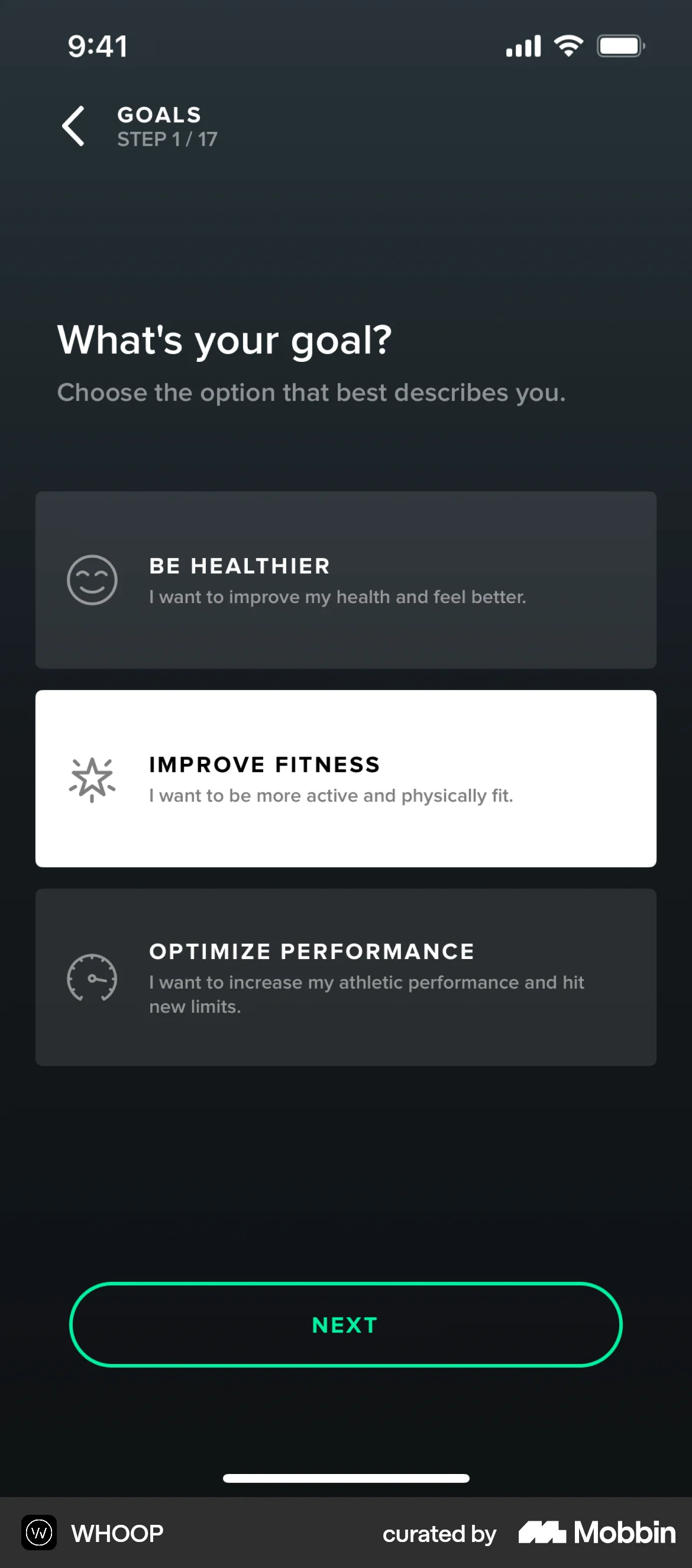
Onboarding flows I saved
  • WHOOP onboarding with three fitness goals and Improve fitness selected
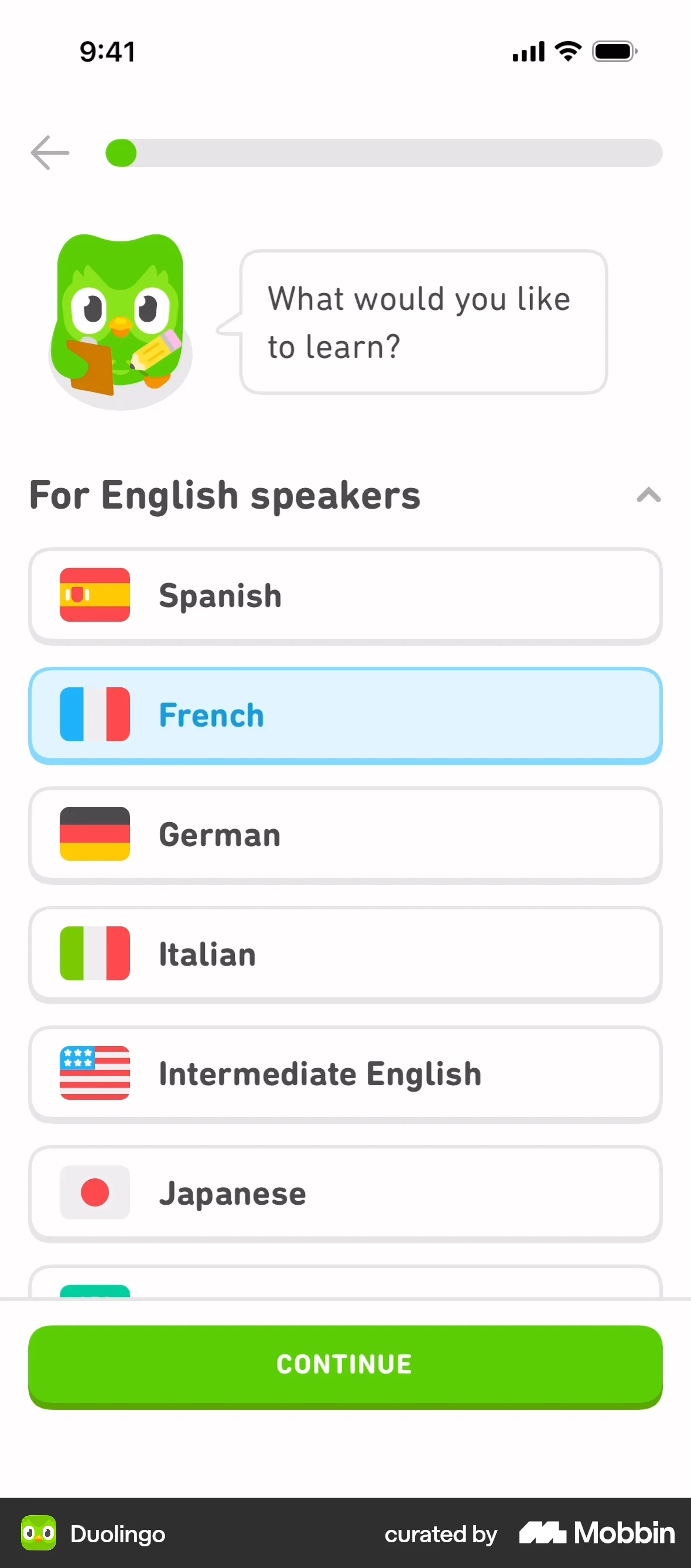
  • Duolingo onboarding with a language list, French selected and a green Continue button
  • Roam travel journal onboarding with a quiet coastline and the words Take the long way
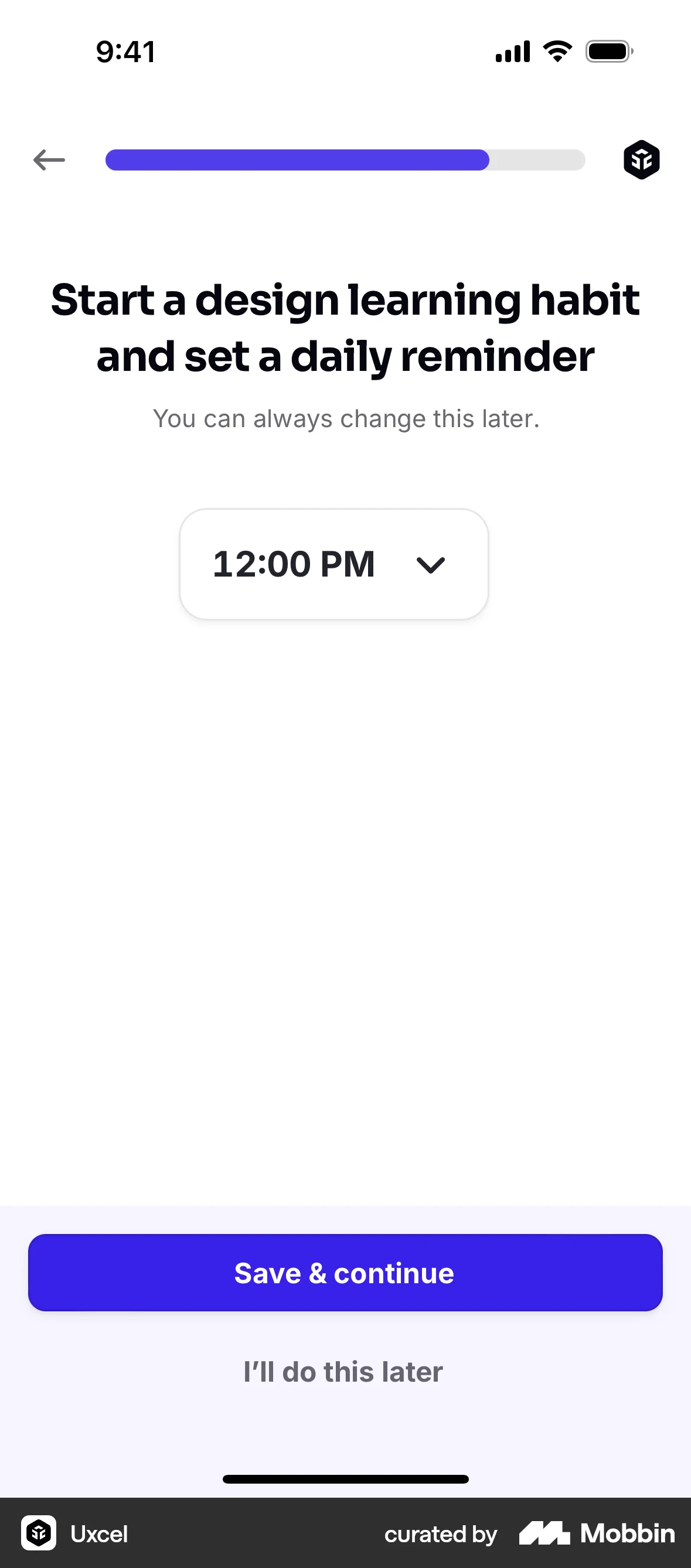
  • Uxcel onboarding with a daily reminder time selector and Save and continue button

Understood on your device

Apple Intelligence notes what each screenshot shows and what it is useful for.
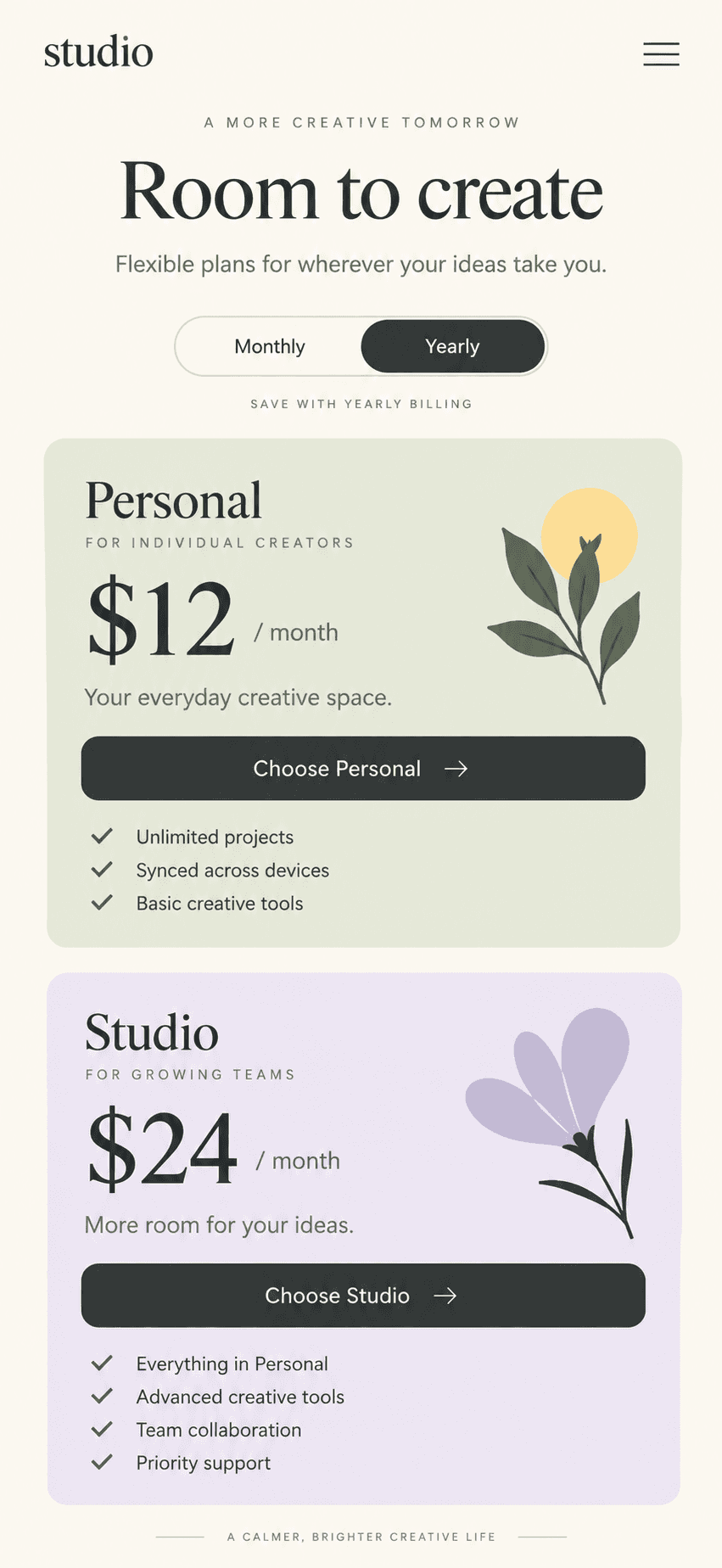
Studio pricing reference with a monthly or yearly toggle and two plan cards
Title
Pricing page with a monthly / yearly toggle
Labels
pricingtoggleplan comparison
Useful for
A pricing section with a monthly / yearly switch

Your agent pulls them in over MCP

Taesty runs an MCP server on your Mac. Claude Code, Codex and Cursor search your library and get the screenshots back.

claude code

Claude Code · ~/acme/web · main

> Build the pricing section. Pull my pricing references from Taesty first.

● Taesty · 3 screenshots from your library 1s

  • ↳ [Image #1] Pricing page with a monthly / yearly toggle
  • ↳ [Image #2] Three plan cards, the middle one highlighted
  • ↳ [Image #3] Paywall with a yearly discount badge

● Following the monthly / yearly toggle for the plan switch.

Your next build starts in your camera roll

Your next landing page

Example search: Landing pages I saved

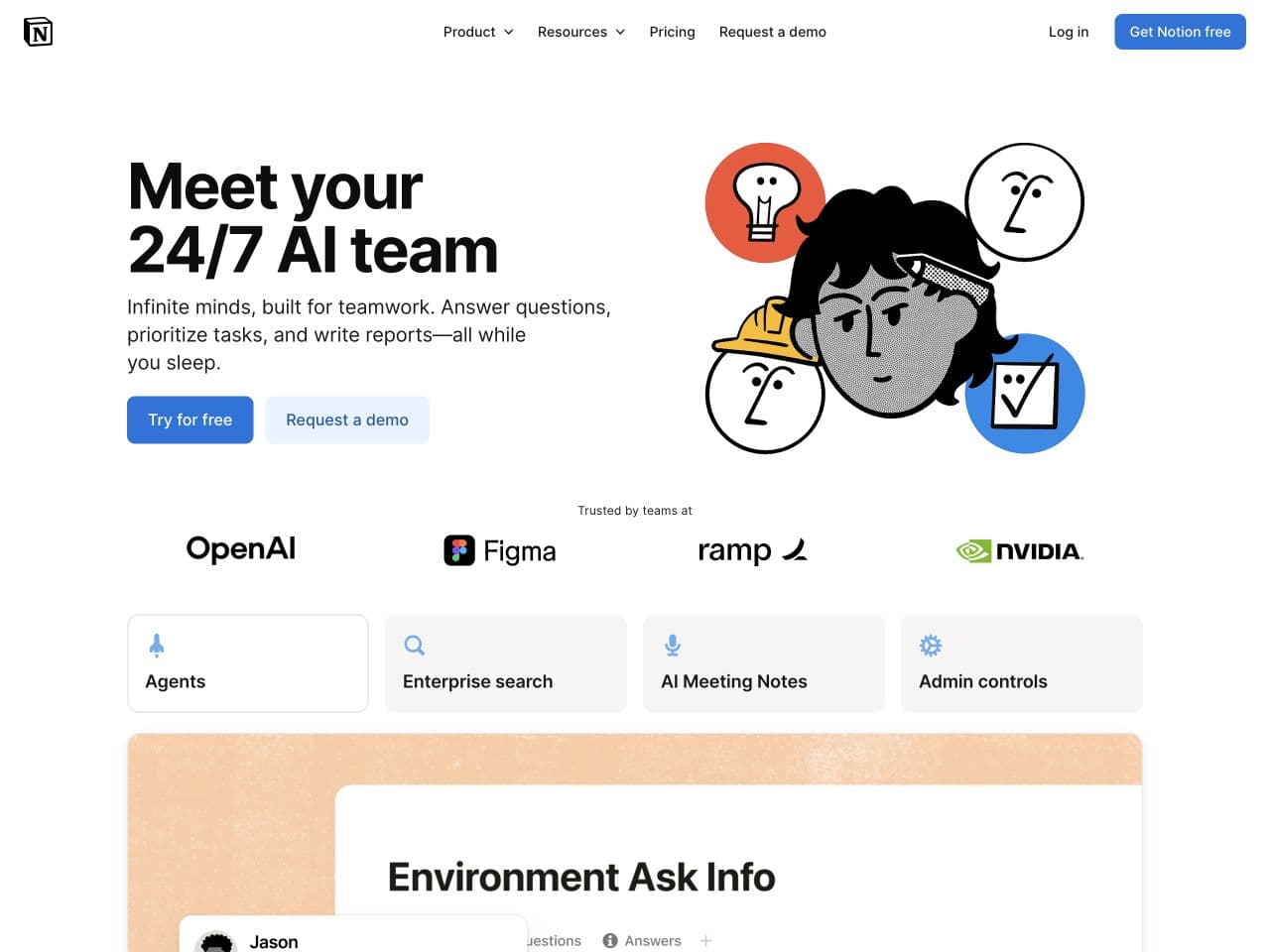
Notion AI website with its cube logo, black-and-white illustration and blue buttons

Your next app

Example search: App screens I saved

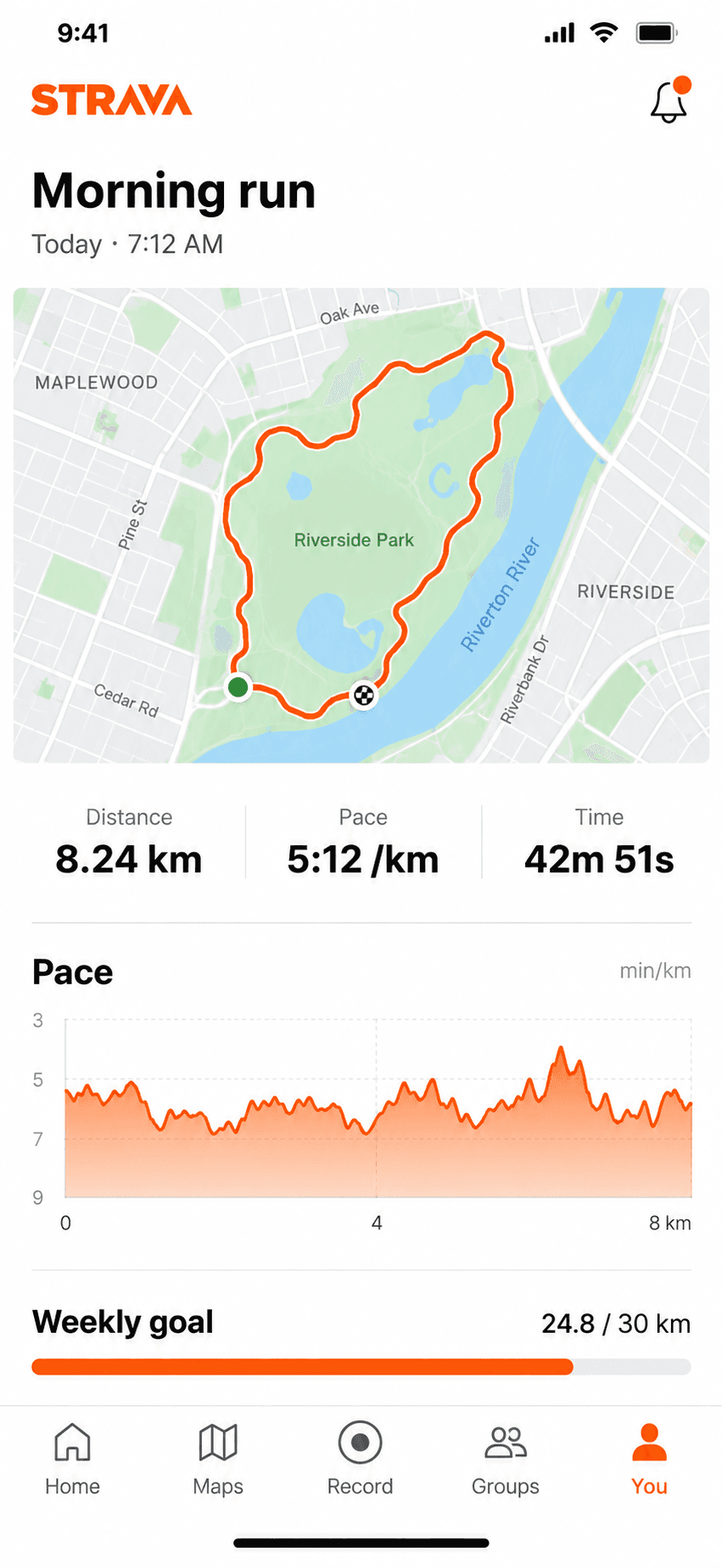
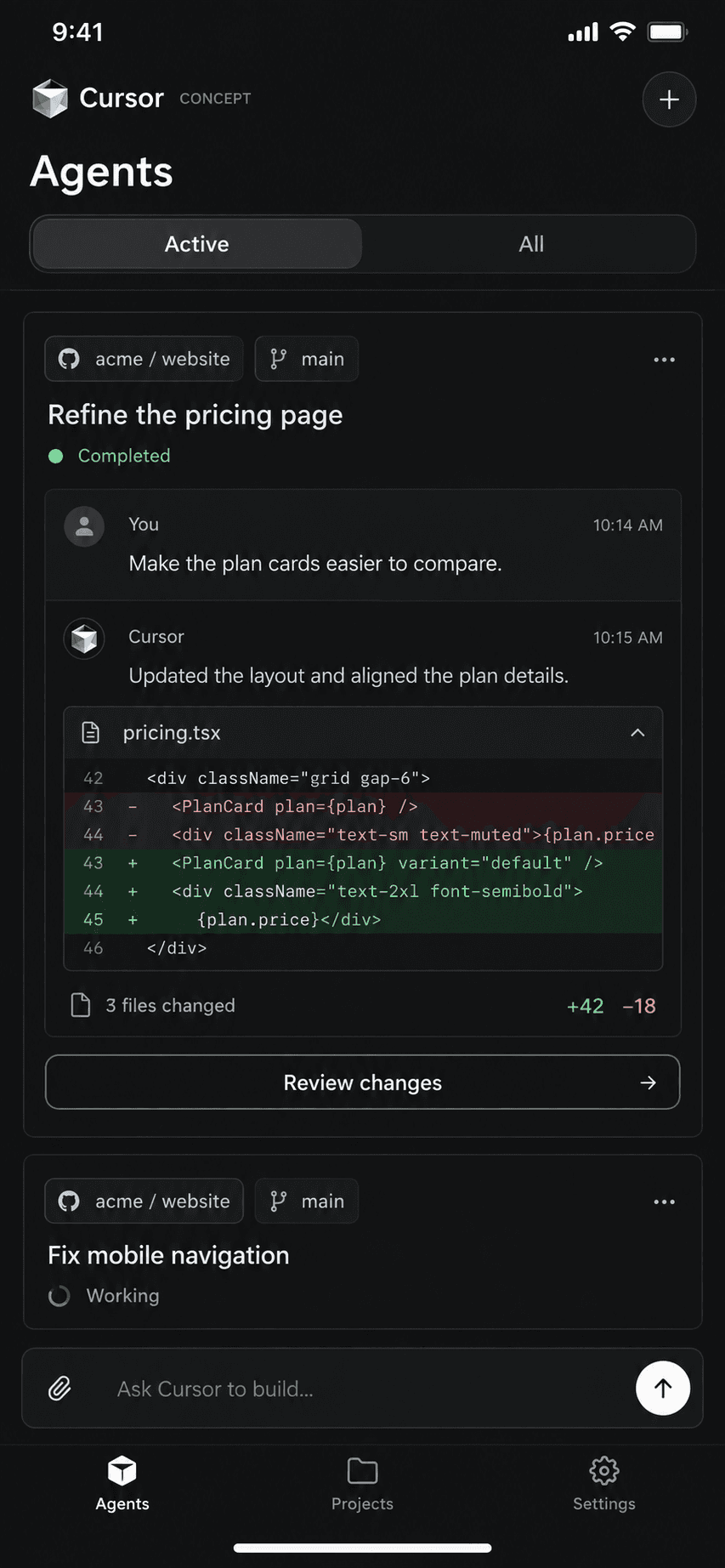
Illustrative Strava-style fitness app concept with a running route, activity statistics and pace chartCursor mobile concept with coding-agent tasks, a code diff and a review changes action

Your next essay

Example search: Essays about paying attention
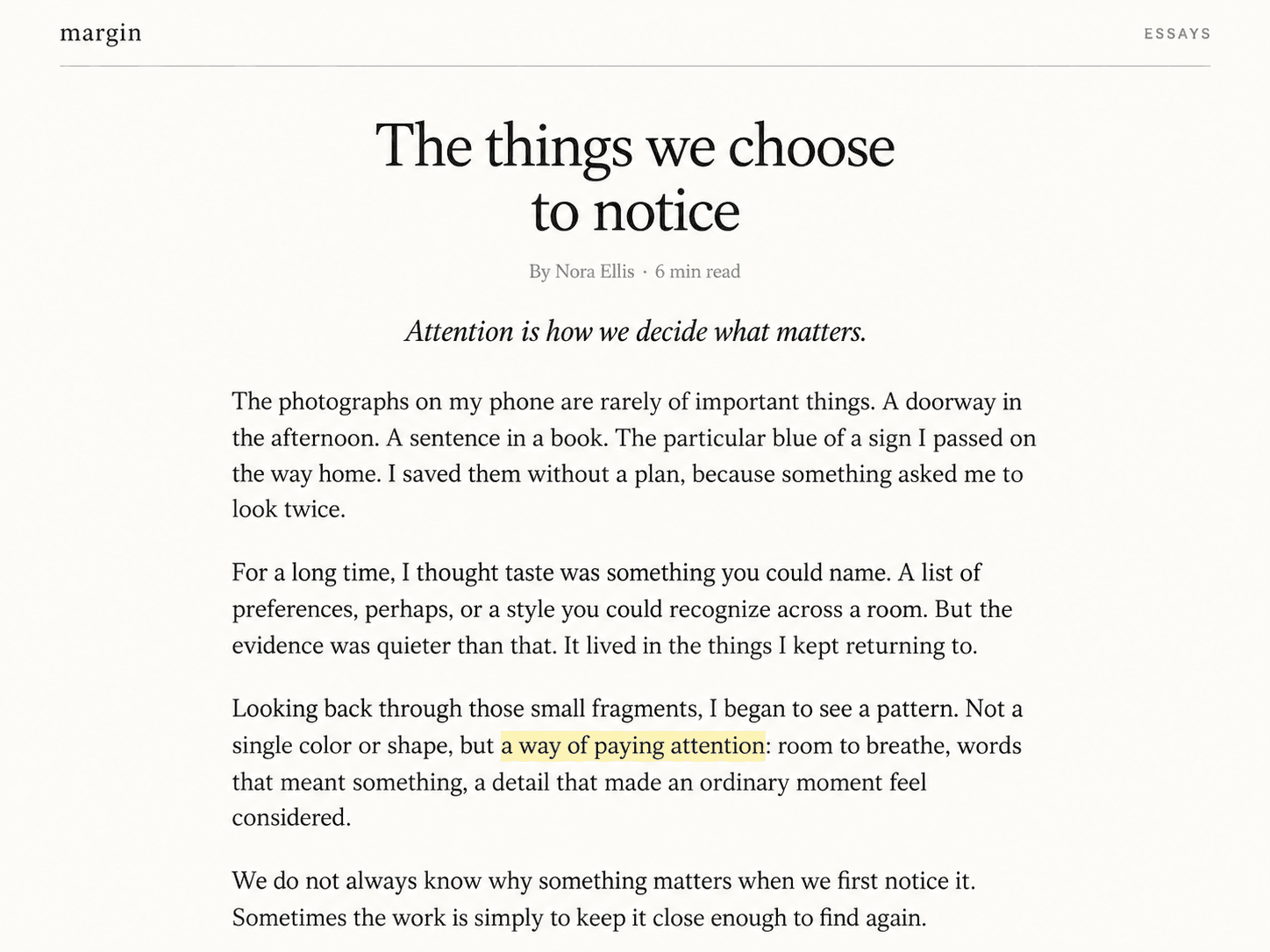
Margin essay page, The things we choose to notice, with a byline, four paragraphs and a highlighted passage

Your next pitch deck

Example search: GTM decks I saved

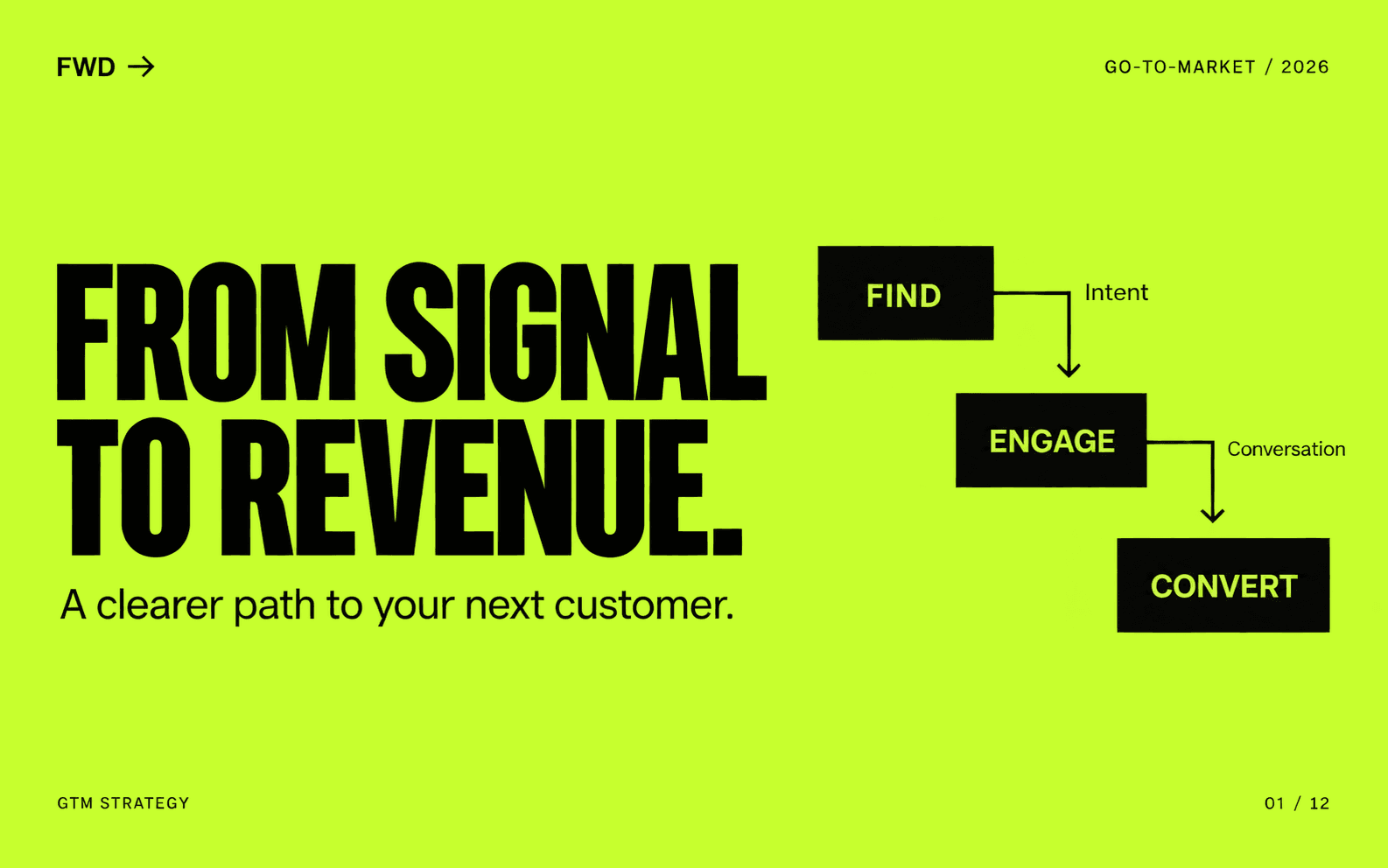
Lime-green GTM strategy deck with the headline From signal to revenue and a Find, Engage, Convert pipeline

We never see your screenshots, you decide who does

Taesty understands them on your device. When you connect an agent, it gets only the references it asks for, and they go wherever your agent's model runs.

  • On your device

    Apple Intelligence understands every screenshot on your iPhone or Mac. The originals stay in Photos.

  • iCloud sync, planned

    Memory sync is planned for your own iCloud account. Today, Taesty stores its index on each device.

  • With your agent

    Only the references it asks for, sent to the model provider your agent uses.